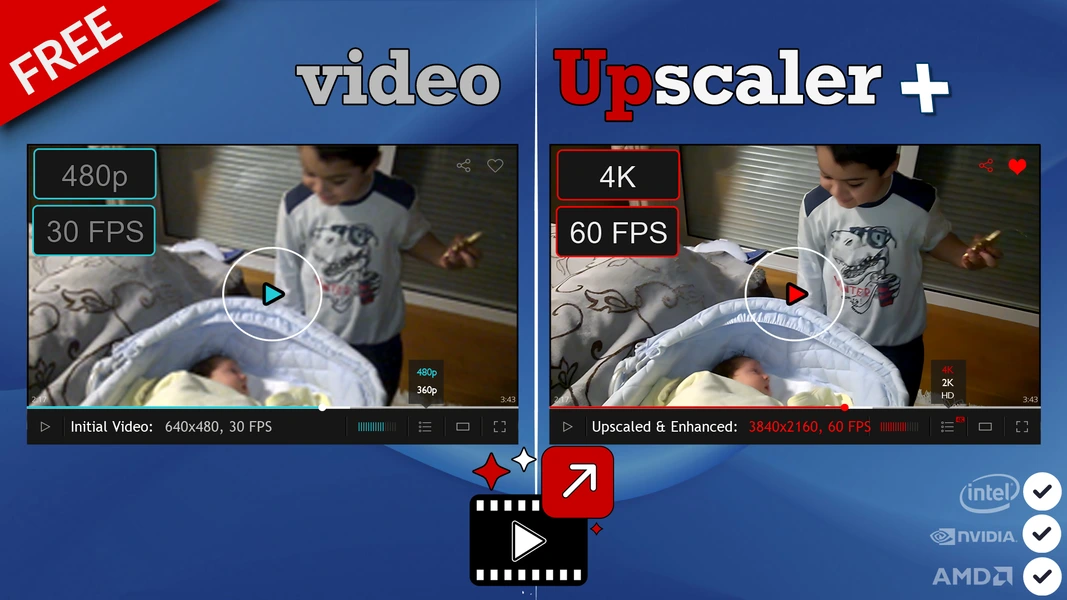
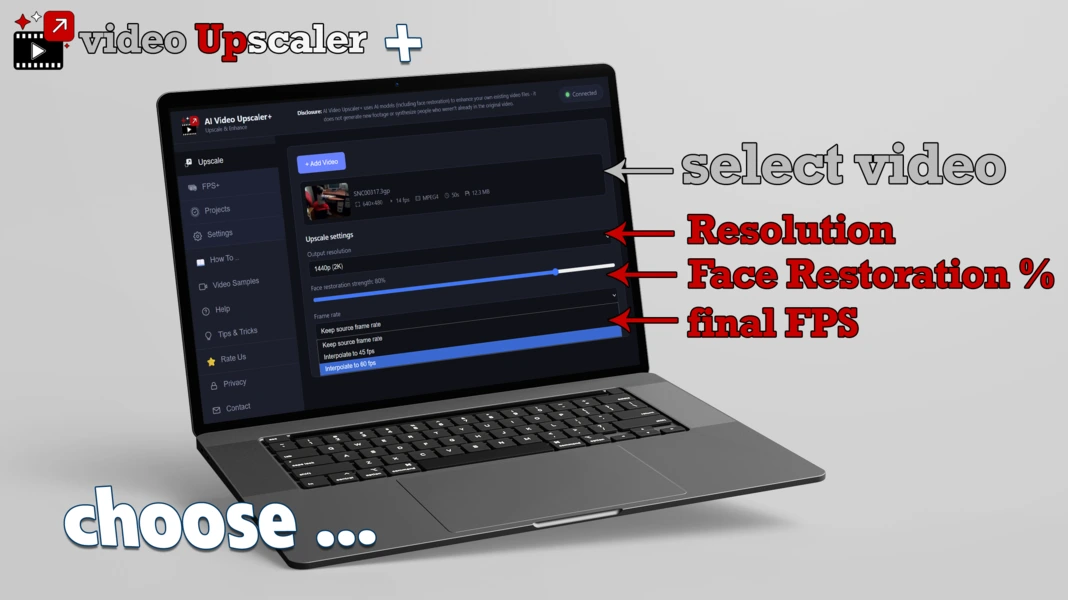
Upscale resolution to 2K, 4K or 8K, and boost choppy 24–30fps footage up to a smooth 45 or 60fps — even both at once, on the same low-quality clip from an old phone. Every model runs locally; nothing you process ever leaves your PC.
AI Video Upscaler+ is built on three real, named AI models — each handling a different part of turning old footage into something sharp and smooth.
An AI super-resolution model that reconstructs real detail — edges, textures, skin, text — rather than just stretching or smoothing existing pixels.
An AI frame-interpolation model that generates genuinely new in-between frames from motion, turning choppy 24–30fps footage into smooth 45–60fps video.
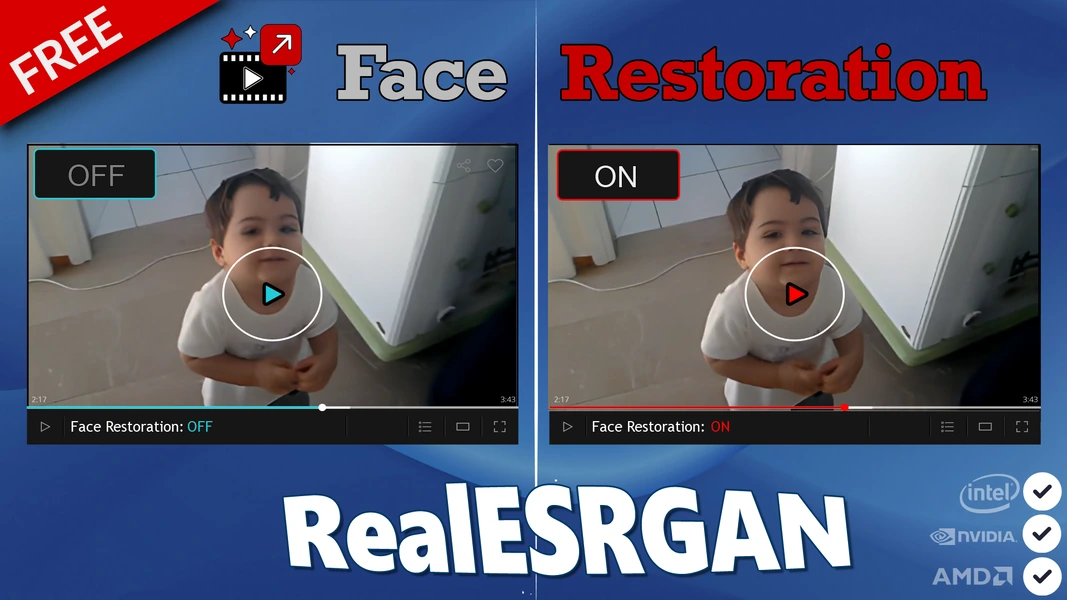
An optional AI enhancement pass that sharpens and restores facial detail that low resolution or age can soften.
Every AI model AI Video Upscaler+ uses runs entirely on your own machine — there's no cloud upload step where your footage passes through someone else's server. The only requirement is a GPU that supports Microsoft's official DirectML/D3D12 acceleration, so NVIDIA, AMD, and Intel graphics cards are all supported — it even runs on low-end PCs, just more slowly.
Old family videos, unreleased footage, anything you'd rather not upload anywhere — that's exactly what a fully local AI tool is for.
AI Video Upscaler+ ships complete. There's no premium tier hiding the features that actually matter.
Real AI-reconstructed detail, not a stretched or smoothed resize — works from any source resolution, including very old low-res video.
AI-generated in-between frames make choppy 24–30fps footage look smooth, without simple frame duplication.
Source videos and finished output are stored and processed locally — nothing is uploaded to a server, ever.
Built on Microsoft's official DirectML/D3D12 AI acceleration — no vendor lock-in, and it runs on low-end PCs too, including integrated graphics.
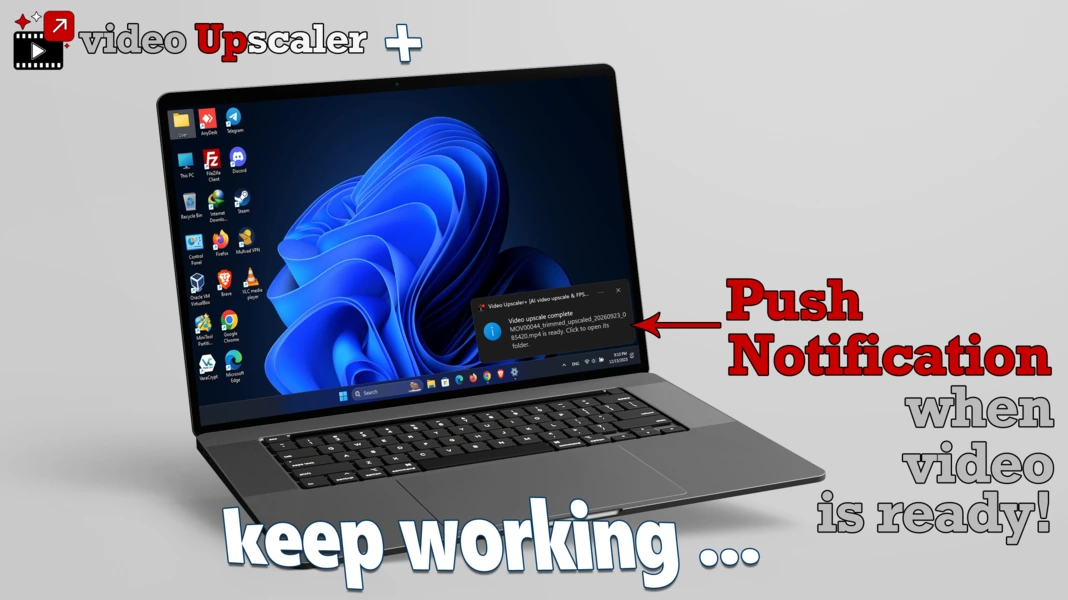
Keep working while AI Video Upscaler+ processes, and get a native Windows notification the moment each video is ready.
Optional face-restoration pass for sharper, cleaner faces on any video where they're the focal point.
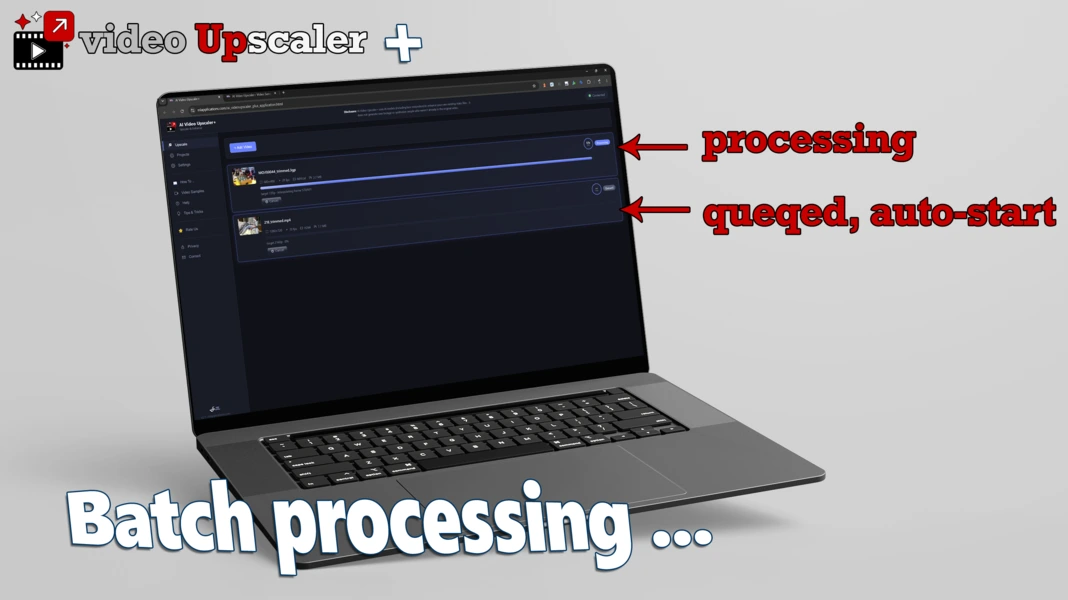
Queue several videos back-to-back and let them process one after another without babysitting the app.
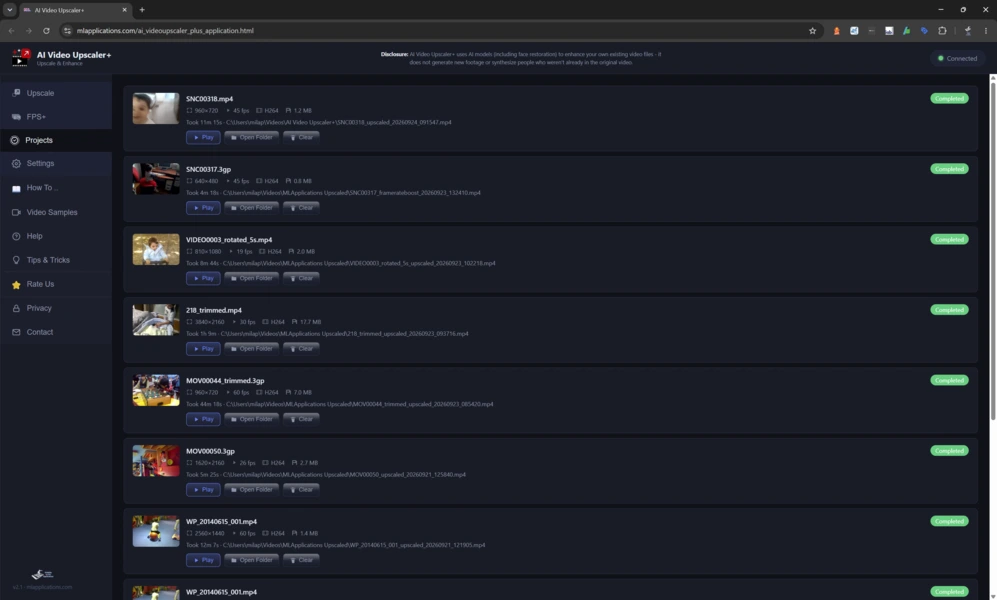
Every upscale is saved with the settings used to create it, so past work is easy to find and reuse.
Free means free — no watermark on your videos, no length caps, and no premium tier hiding features behind a paywall.
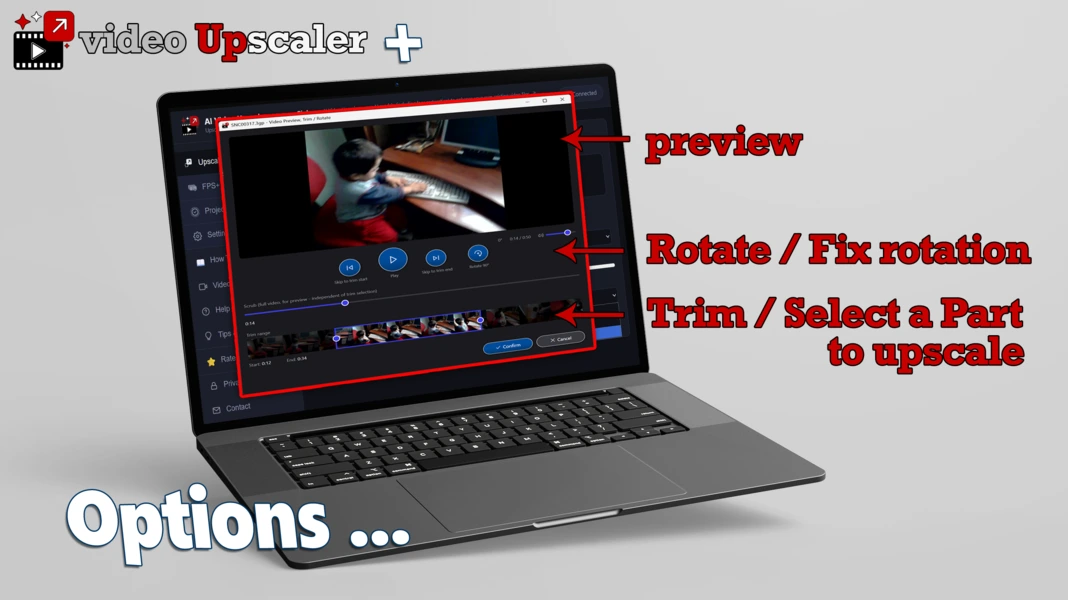
A closer look at the workflow — from picking a target resolution to watching a batch process.