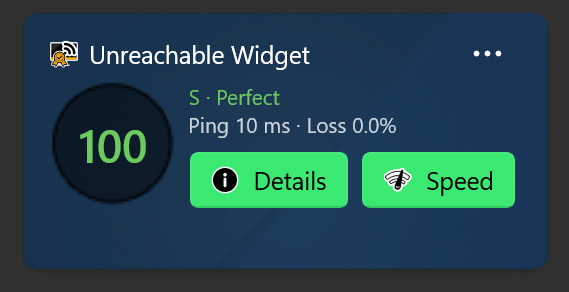
External endpoint for measuring Network Latency
20 May of 2026: unReachable in its initial version: 2.1 uses Cloudflare as the default external endpoint to test connectivity and measure latency, jitter and packet loss.
This is something that might change in future app updates !
There are several reasons behind this is:
1. Global Presence / Nearby Servers
Cloudflare operates one of the world's largest edge networks with data centers in hundreds of cities worldwide. Your latency test will usually hit a geographically close server, reducing bias from long-distance routing.
2. High Availability & Stability
Cloudflare infrastructure is highly reliable and rarely offline or overloaded. That makes measurements more consistent and reduces false spikes caused by a weak test server.
3. Low Server-Side Processing Delay
Cloudflare's edge systems are optimized for extremely fast response times. The measured delay mainly reflects your PC + local network + ISP path, not slow application processing on the remote side.
4. Representative Internet Path
Testing against Cloudflare measures latency to a major internet backbone destination rather than just your local router. This gives a realistic indication of real-world internet responsiveness.
5. Excellent ISP Peering
Most ISPs maintain direct or optimized peering with Cloudflare. Fewer routing detours generally mean cleaner, more reproducible latency results.
6. Widely Reachable & Firewall-Friendly
Cloudflare endpoints (e.g. 1.1.1.1) are broadly accessible worldwide and usually not blocked, making them suitable for consumer applications.
7. Consistent Benchmark Across Users
If many users measure against the same provider, results become more comparable between different PCs, ISPs, and locations.
Examples:
• Router ping → measures local network latency.
• Cloudflare (1.1.1.1) ping → measures end-to-end internet latency, including ISP performance.
This provides a more complete picture of overall network quality.