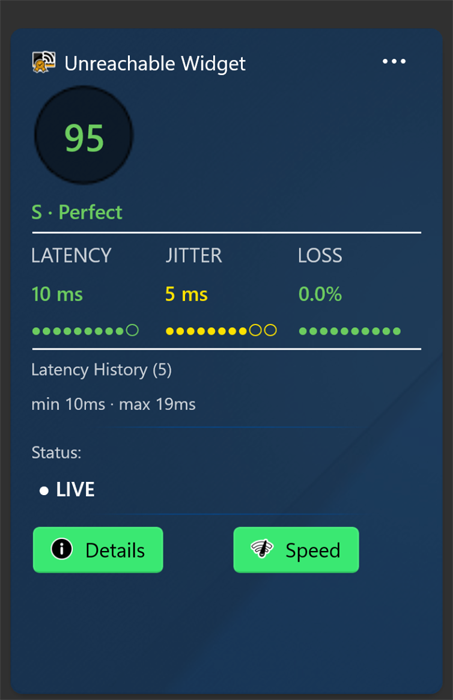
The goal of unReachable is to provide the user with 1-2 easy eye-catching scores, that don't interrupt him when working on the pc. To achieve this, unReachable by design takes as little space as possible and the user is free to select among 3 different ways to monitor the quality.
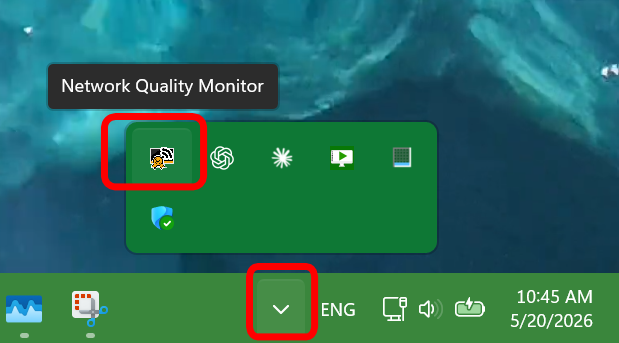
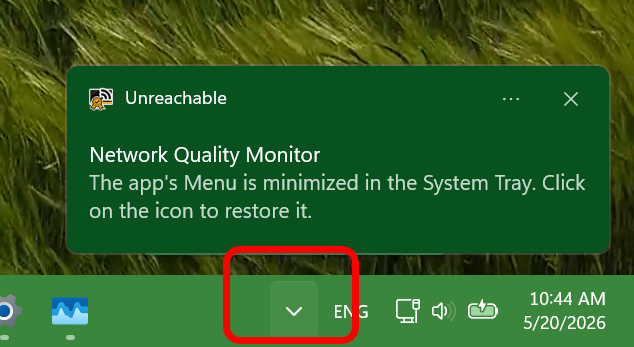
When you launch unReachable the app auto-minimizes itself in the Windows Action Center: bottom-right of the Windows Taskbar
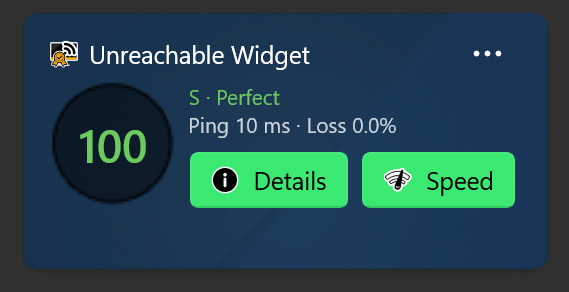
The app runs in the background and calculates the network quality. It uses three different Widgets that can displayed.
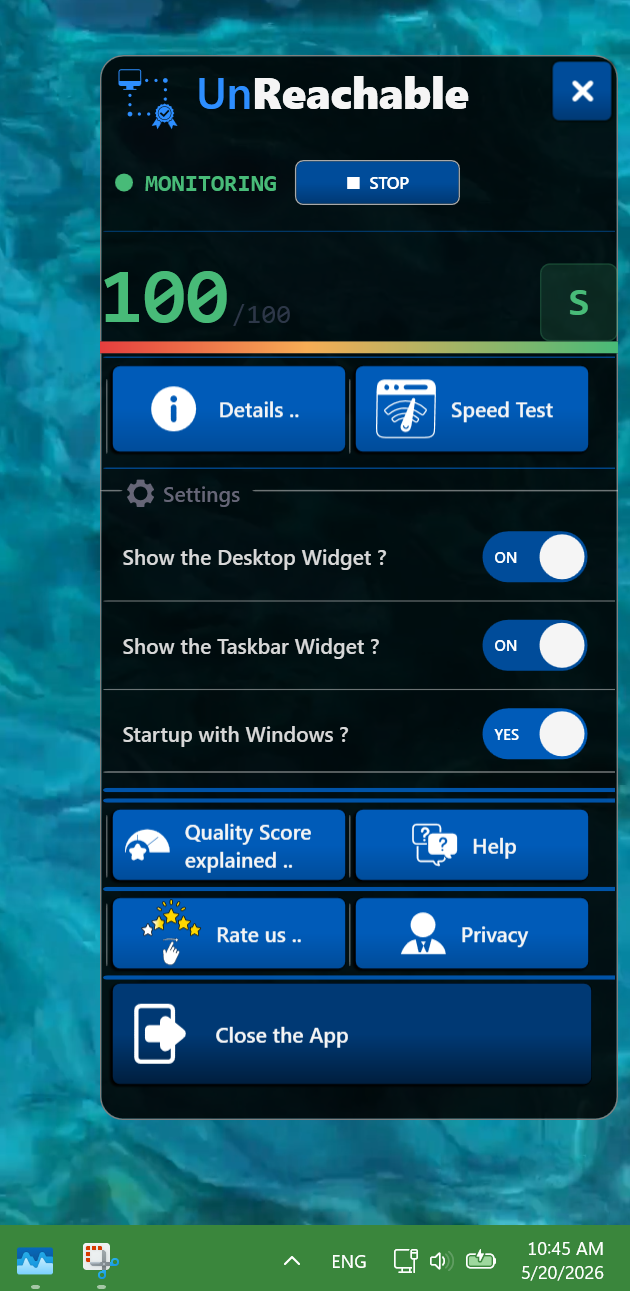
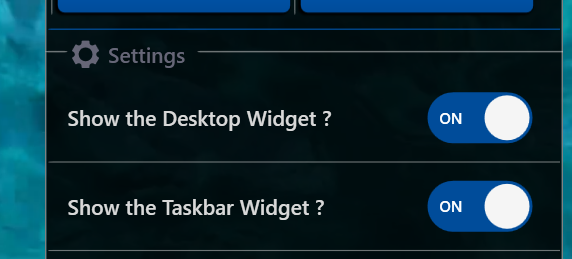
You as a user, can switch the visibility for every widget ON or OFF.
The Desktop Widget and the Taskbar Widget can be managed from the Application User Interface.
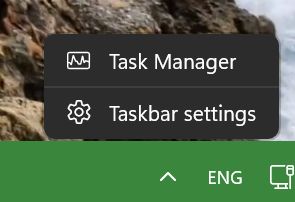
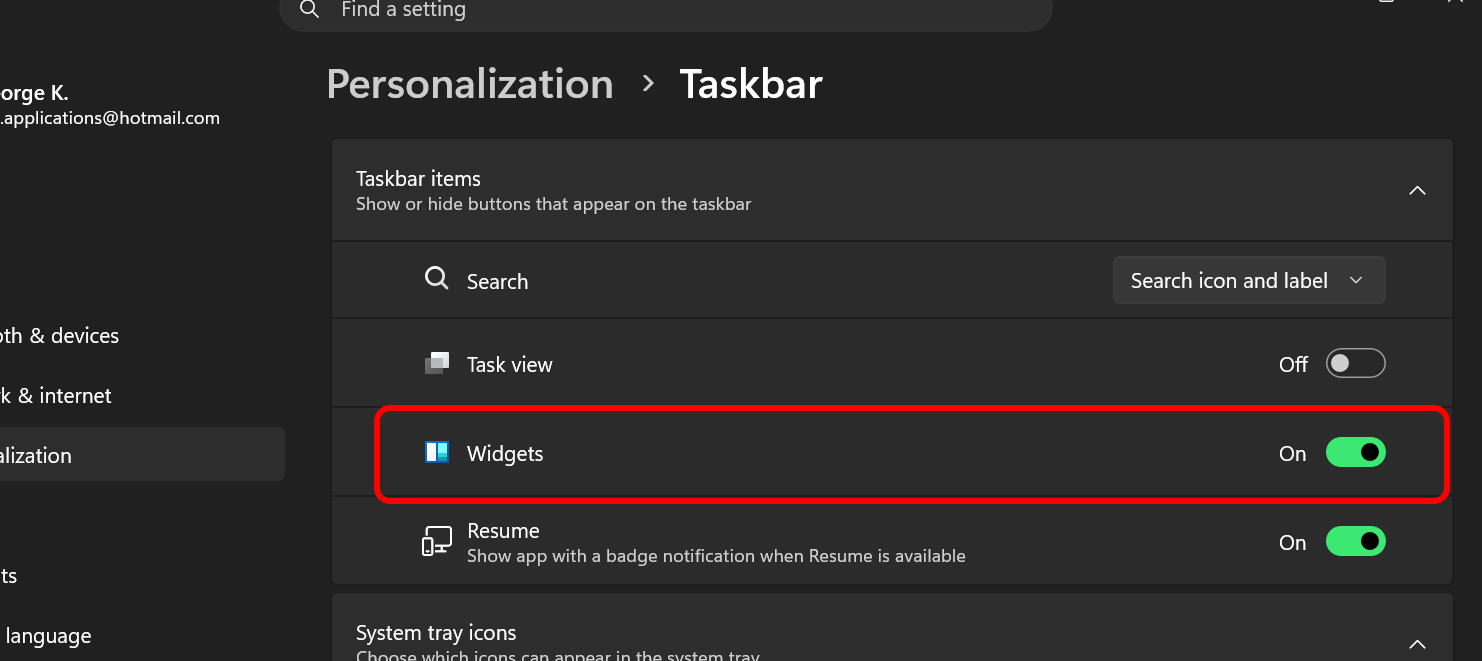
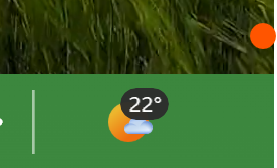
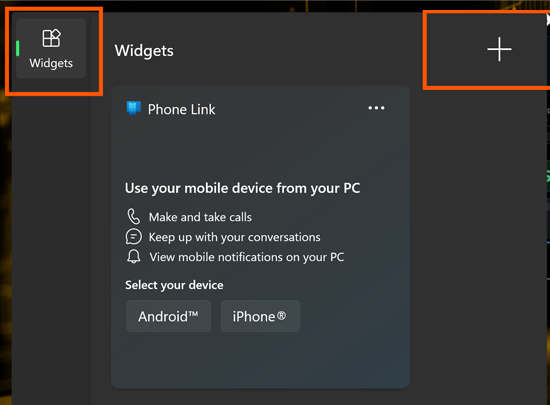
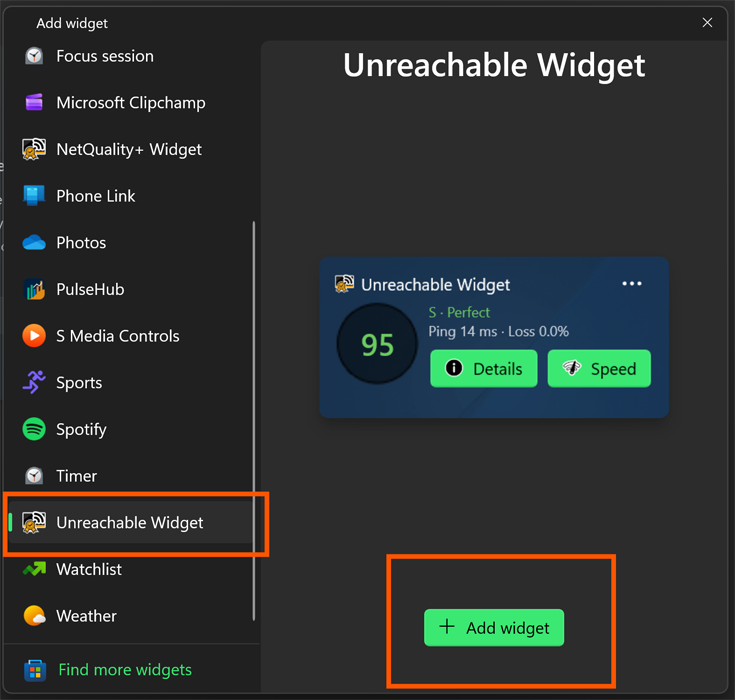
The Windows Widget is handled differently: It is available and can displayed or hided inside the official Windows Widget list. To show the Windows Widget list follow:
The user is able to start/stop the network monitoring process whenever he wants.
There are buttons to do so in the app's user interface and the Network Details view.
There is a ON/OFF setting inside the app's User Interface to auto-start the application when Windows starts. Switch the setting to OFF and the app will start manually only.
our dedicated list of articles for unReachable.
Start monitoring your internet quality in real time on Windows 11.